Orvala — Blog — Guides
What a 3D product configurator costs, and what actually drives the price
A 3D configurator's price is set by five things: the model, the option range, the rules, the integrations and upkeep. How each one moves the quote.
Ask three studios what a 3D product configurator costs and you will get three numbers that are impossible to compare. That is rarely because anyone is padding the quote. It is because "a configurator" covers everything from a sofa with five colours to a modular house with a roof, a deck and a sun that moves. The useful question is not what one costs. It is which parts of yours are expensive, and whether you need them.
Five things set the price. Get clear on each before you ask for a quote and the numbers you get back will finally line up.
1. The model: buy it, adapt it or build it
Everything starts with geometry. If your product already exists as a CAD or 3D file, most of the work is making it fit for a browser: reducing the polygon count without losing the silhouette, cleaning the topology, and laying out texture coordinates so materials sit on it at real-world scale.
If the model was built for manufacturing, expect to rebuild the visible surfaces. Engineering models are full of hidden fasteners and internal parts nobody will see, and they rarely have the soft bevels that make an edge catch light. If there is no model at all, it is built from drawings and photographs, and that is usually the single largest line in the quote.
2. The option range: materials are cheap, shapes are not
This is the distinction that explains most of the spread between quotes. Changing what something is made of is a material swap: a new fabric, a new stone, a new metal finish. Once the first material is set up properly, each additional one costs very little.
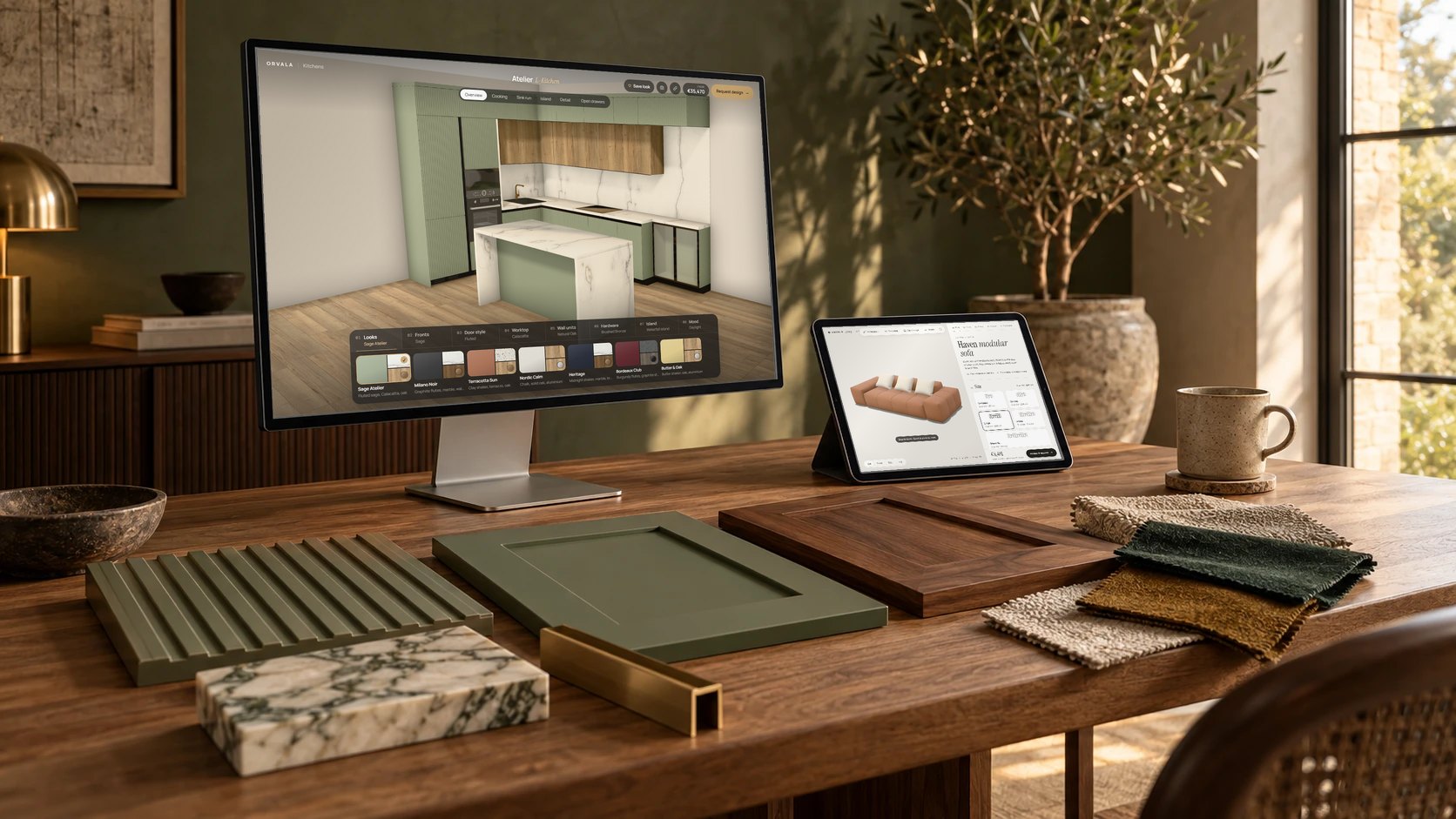
Changing what something is shaped like is a geometry change, and each one is real modelling work. A sofa that comes in five sizes needs the sofa rebuilt for every size. A kitchen with flat, shaker and fluted doors needs three sets of doors, because a fluted front is not a flat front with a texture painted on it. In a lift configurator, five door mechanisms mean five door assemblies, each with its own moving parts.
- Cheap to add: colours, fabrics, wood species, stone, metal finishes, lighting.
- Moderate: parts that appear or disappear, such as cushions, an island or a handrail.
- Expensive: anything that changes a shape or a size, and anything that moves.
Thirteen fronts, three door styles and five worktops is 195 kitchens. Only the three door styles were modelling work.
3. The rules: what can go with what
A configurator that lets the buyer combine anything with anything is simple. Most real ranges have rules. This handle is not available on that door. The large size only comes in two fabrics. A swing door cannot be telescopic. Each rule is a small piece of logic, but rules interact, and a range with many exceptions needs careful testing so that a buyer can never build something you cannot make.
Pricing is a rule set of its own. A live price that updates with every choice needs the price list as data, and somebody has to decide what happens when a combination has no price.
4. Integrations: where the specification goes next
The cheapest useful version sends the specification to an inbox with a link that reopens the exact design. That alone changes the sales conversation, because the enquiry arrives already specified.
Beyond that, every integration is quoted on its own: writing leads into a CRM, checking stock, producing a PDF quote, pushing an order into an ERP or a shop. None of these is difficult, but each depends on the other system having a usable API, and that is worth checking before it goes into a scope.
5. Keeping it current
Ranges change. A finish is discontinued, a new colour arrives, prices move every year. The architecture decides whether that is an afternoon or a project. When every finish, price and rule lives in data rather than in the 3D files, adding a colour is an edit, not a re-render. Ask any studio how a new finish gets added after launch, and who can do it.
What should not cost extra
A few things are often sold as premium extras and should not be. A configurator should run in an ordinary browser on an ordinary phone, without an app or a plugin. Every combination should have its own shareable link. The buyer should be able to save an image of what they built. These are part of doing the job properly, not add-ons.
How to get comparable quotes
Send every studio the same brief, and make it specific: the product and the files you have, the full option list with the shape options marked separately from the material options, any rules and pricing, and where the specification has to go. A brief like that turns three incomparable numbers into three quotes you can actually choose between.
Try the live configurators
Five working demos, open to anyone, no sign-up.
Barn House 07 →
Atelier L-Kitchen →
Haven modular sofa →
Lobby Studio →
Pergola Studio →
Discuss your project
See your own building running like this.
Send us the development — units, floors, and whatever drawings or model you already have. We come back with what it would look like, what it would cost, and how long it would take.